

Academy & Exam OS — Reseller / White-Label
$499.00
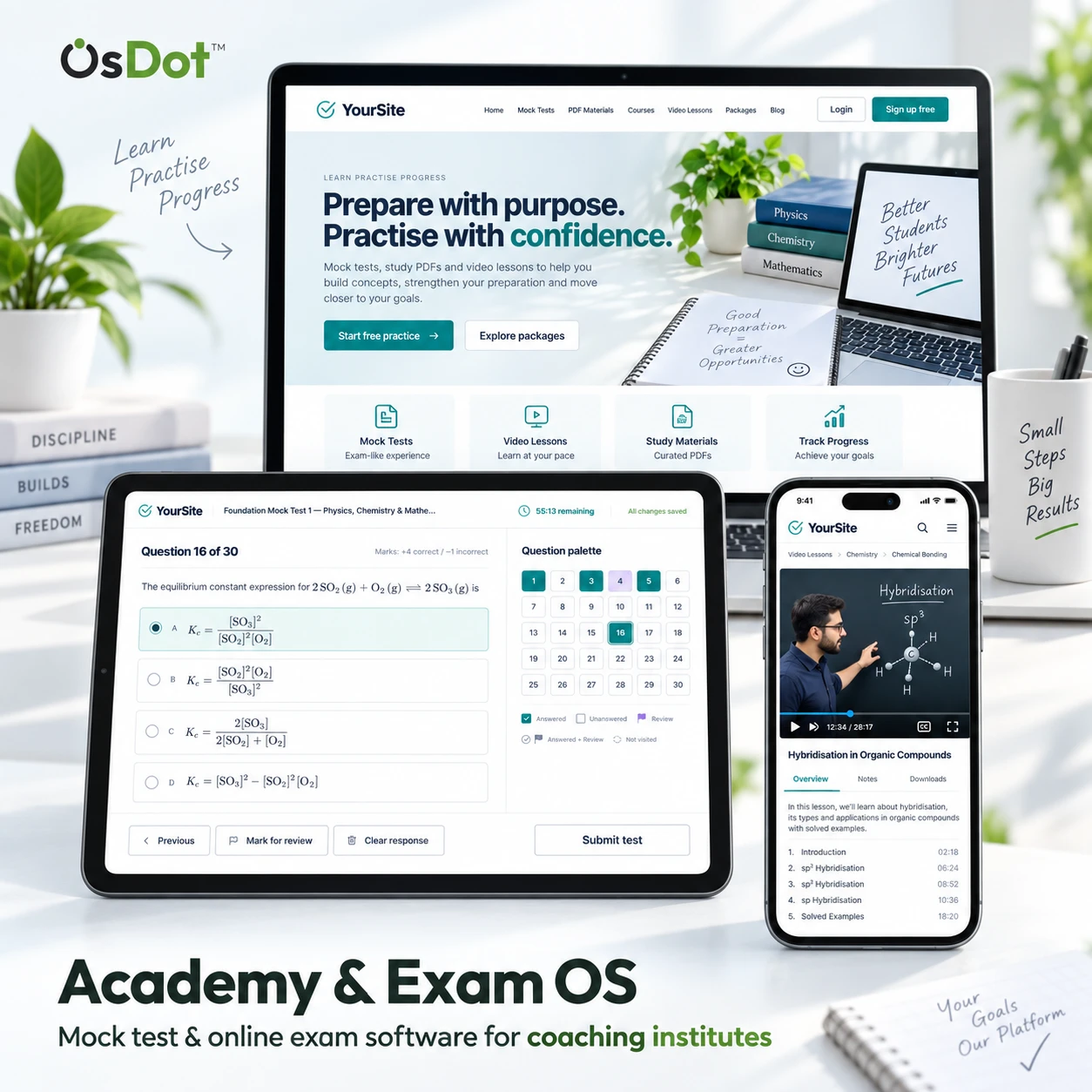
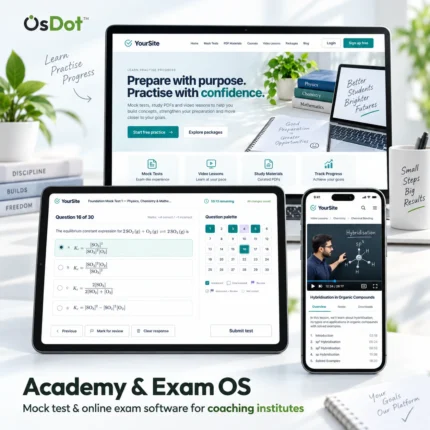
Mock test and online exam software for coaching institutes, under your own brand, that each institute’s students, teachers and staff install as an app straight from its website, on phones, PCs and Macs, with no app store account needed. The package includes the Flutter app source; publishing an app in Google Play and the App Store, in your own developer accounts, is an optional service.
The Reseller / White-Label edition of Academy & Exam OS by OsDot Solutions — a one-time price. Resell installations to your own customers on your own terms, and white-label, rename and modify the product.
Includes the PHP web application source, the Flutter app source and the documentation, plus the White-Label guide, the branding guide and the reseller licence.
No licence key or activation is needed. The reseller right itself is non-transferable. Priority Support is optional and sold separately.
Looking for a standard licence? Compare Single Site, Multi Site and Reseller / White-Label editions: Compare All Editions
Reseller / White-Label edition
Offer coaching institutes a complete exam platform under your own brand
Resell Academy & Exam OS installations to your own customers on your own terms, and rename, rebrand and modify the product. Each customer gets a website, a question bank, Mock Tests, courses, payments and a student app in their own name.
- Resell on your termsInstallations for your own customers, at your own prices.
- No licence keyThe package contains no licence-activation code.
- Web + Flutter sourcePHP web app, Flutter app source and documentation.
- White-label guidesWhite-Label guide, branding guide and reseller licence.
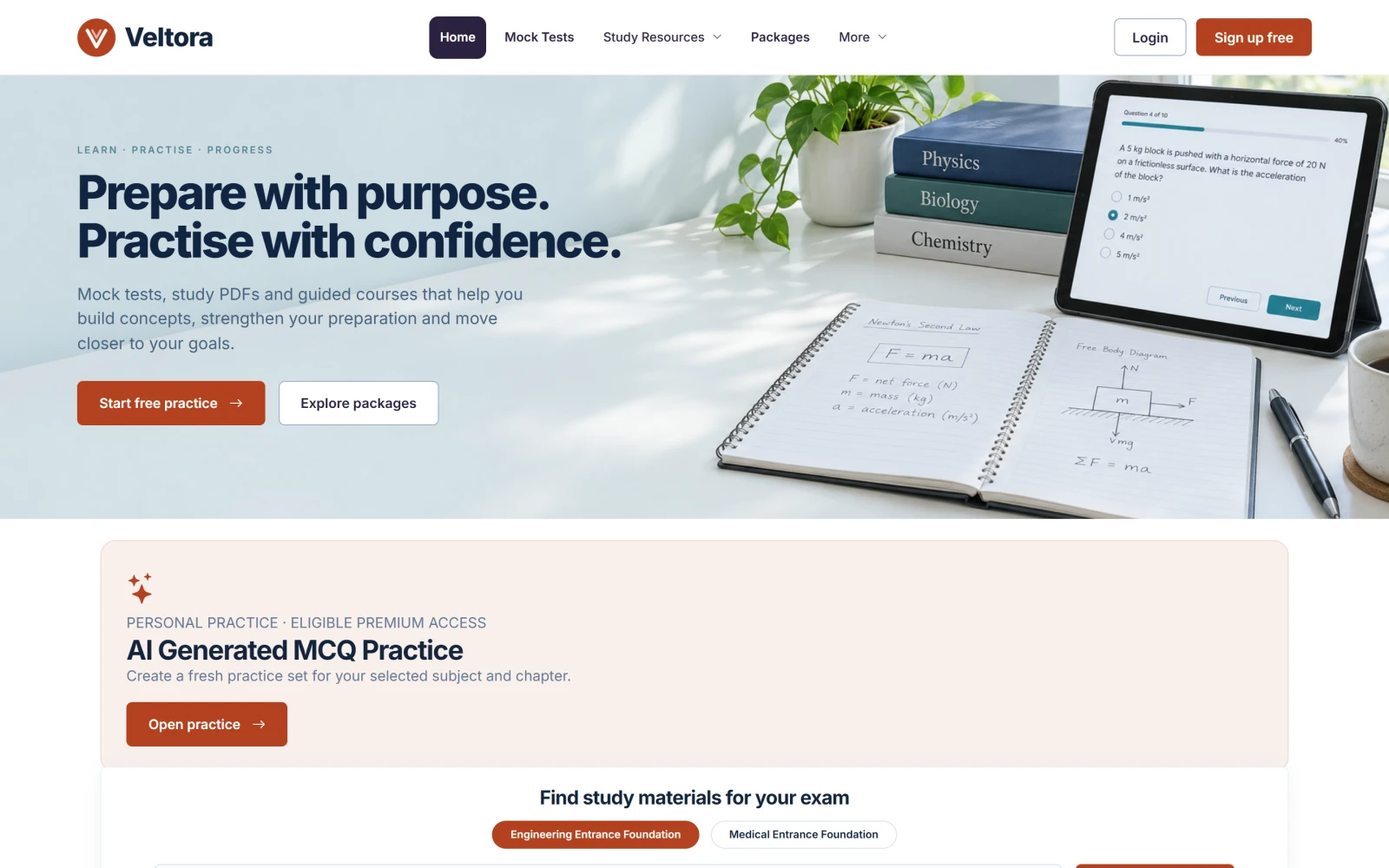
Reseller / White-Label rights
- Resell installations to your own customers on your own terms.
- White-label, rename and modify the product.
- No licence-activation code in the package, so installations need no licence key.
- The reseller right itself is non-transferable.
The full terms ship with the package (RESELLER-LICENSE.html); a written agreement for a specific purchase prevails where it says otherwise.
Who it is for
Agencies and developers
Deliver a branded exam and learning platform to each coaching institute you work with.
Software resellers
Sell installations to institutes under your own product name and pricing.
What the package includes
PHP web application
The complete web platform in source form, with its browser installer.
Flutter app source
The student app for Android and iOS, to build under each customer’s name.
Documentation and guides
Offline HTML documentation, the White-Label guide, the branding guide and the reseller licence.
Installable app
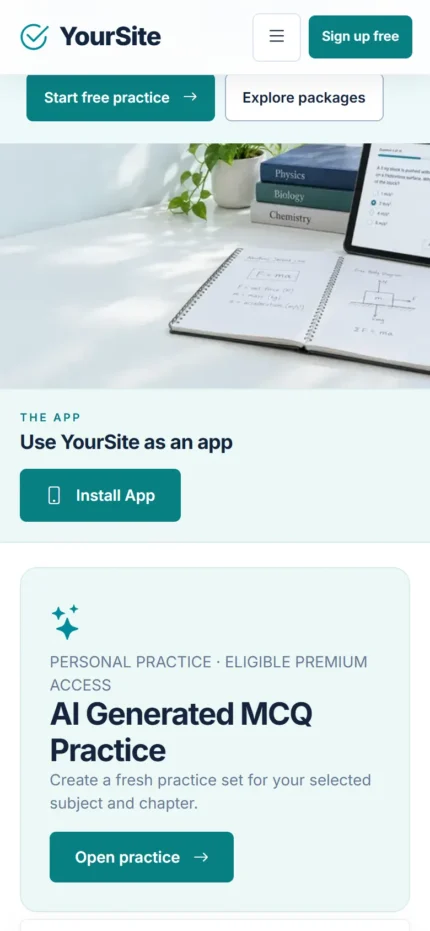
Each installation’s own installable app on phones, PCs and Macs, with no app store or developer account needed. The institute’s students, teachers and staff add it from Install App on its site.
One ZIP download with the Web, Flutter-App and Documentation folders, the licence, the support policy, the system requirements and checksums, plus the White-Label guide, the branding guide and the reseller licence. Not included: hosting, app-store accounts, provider charges and custom development (details below).
Details
Mock Tests & Question Bank
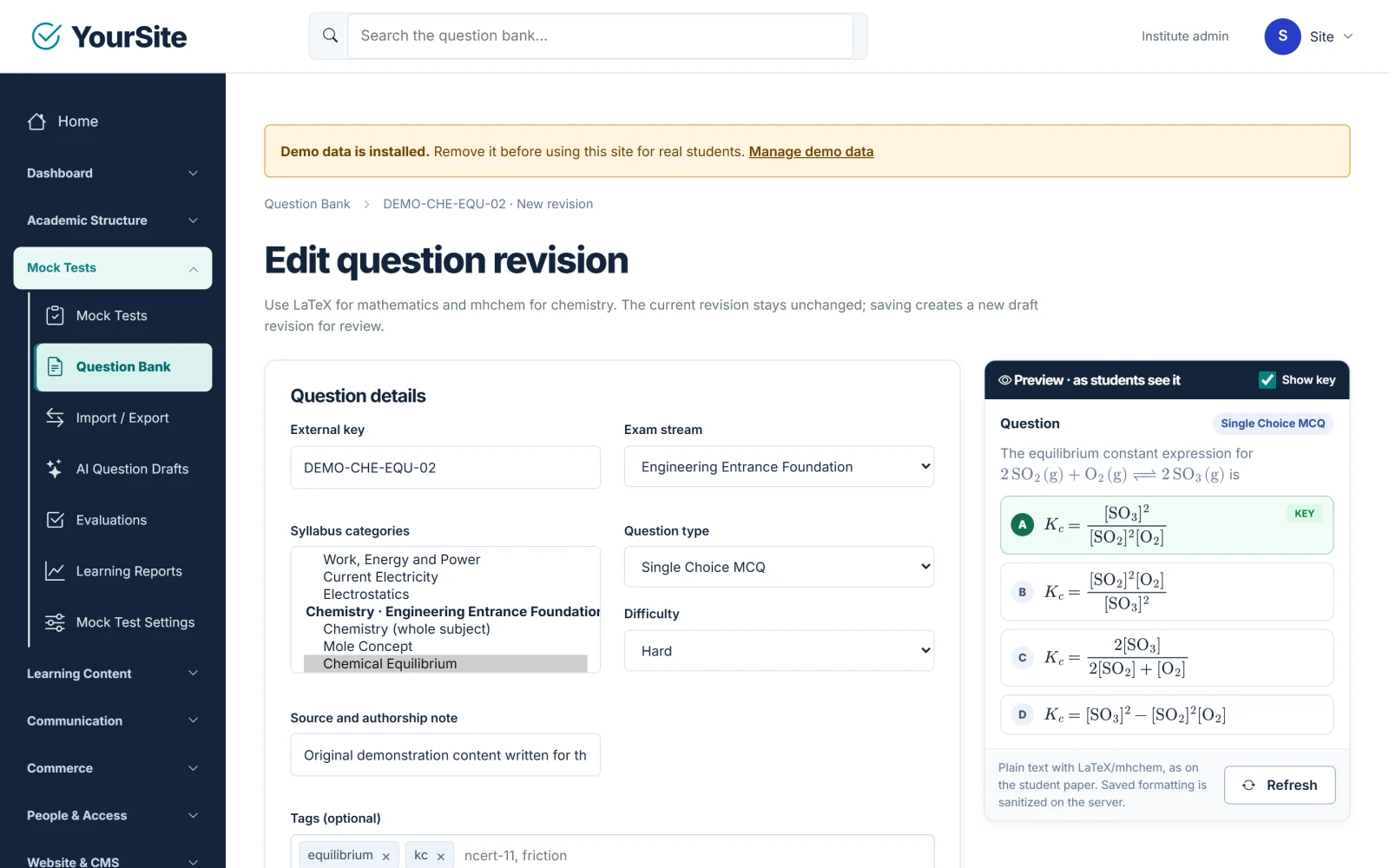
Up to 200 questions, sections and pools, marking rules, LaTeX and mhchem
Mock Test engine
- Up to 200 questions per Mock Test, in sections, with fixed questions or a random draw from a larger pool
- Default +4 / −1 / 0 marking, with per-section overrides
- Publishing creates an immutable edition that freezes the questions and marks
- Server-kept time; an answer counts once the server has saved it; recovery after dropped connections and reloads
- Result-release policies, written-answer marking and regrading
Question Bank
- Single-choice and multiple-correct MCQ, numerical and written questions, and shared passages
- LaTeX mathematics and mhchem chemistry, previewed as students will see them
- One syllabus tree for tests, PDFs and videos; CSV import of up to 5,000 rows with validation; export
Courses, Learning & AI Practice
Courses, private PDFs, video, certificates and optional AI MCQ practice
Learning
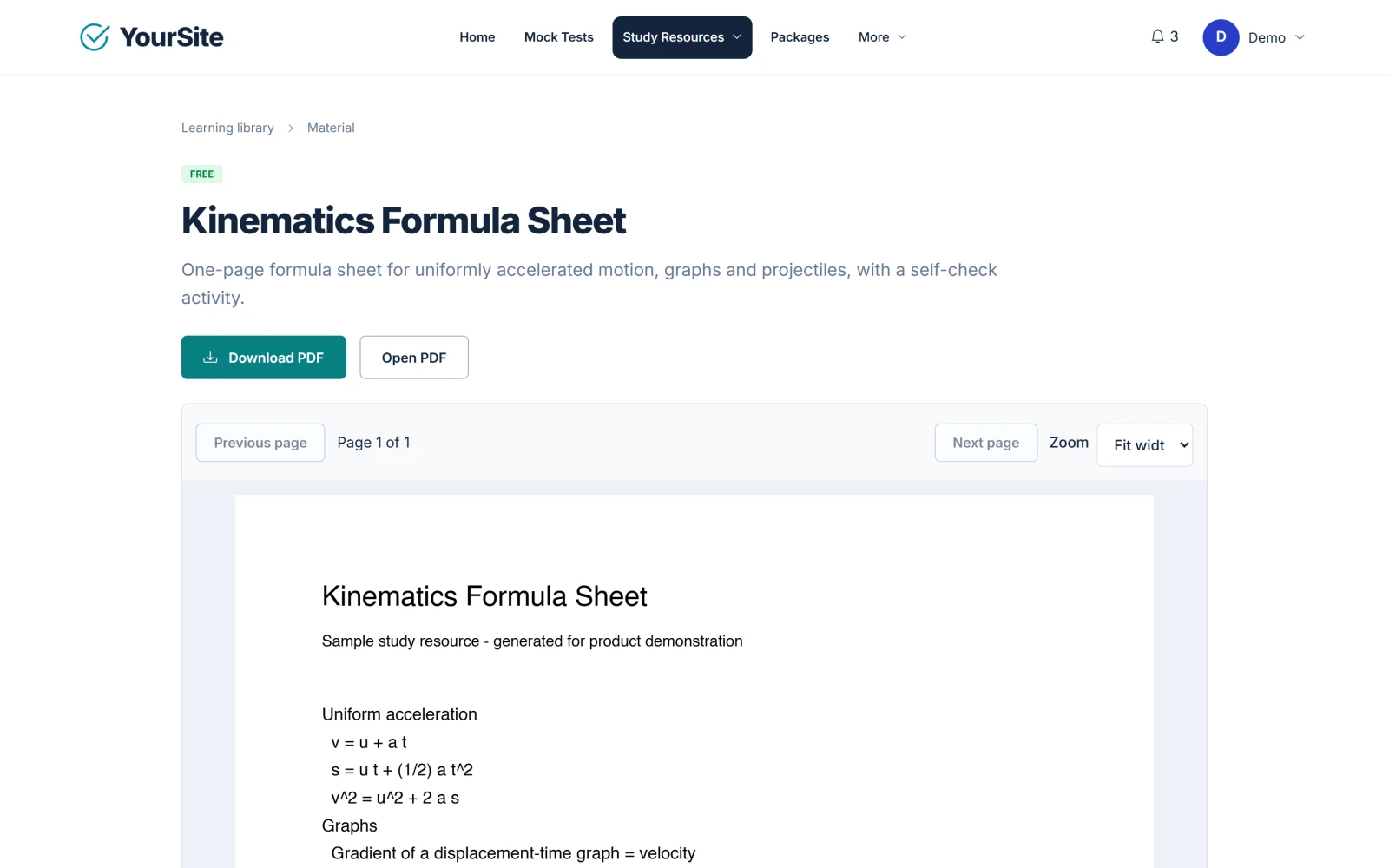
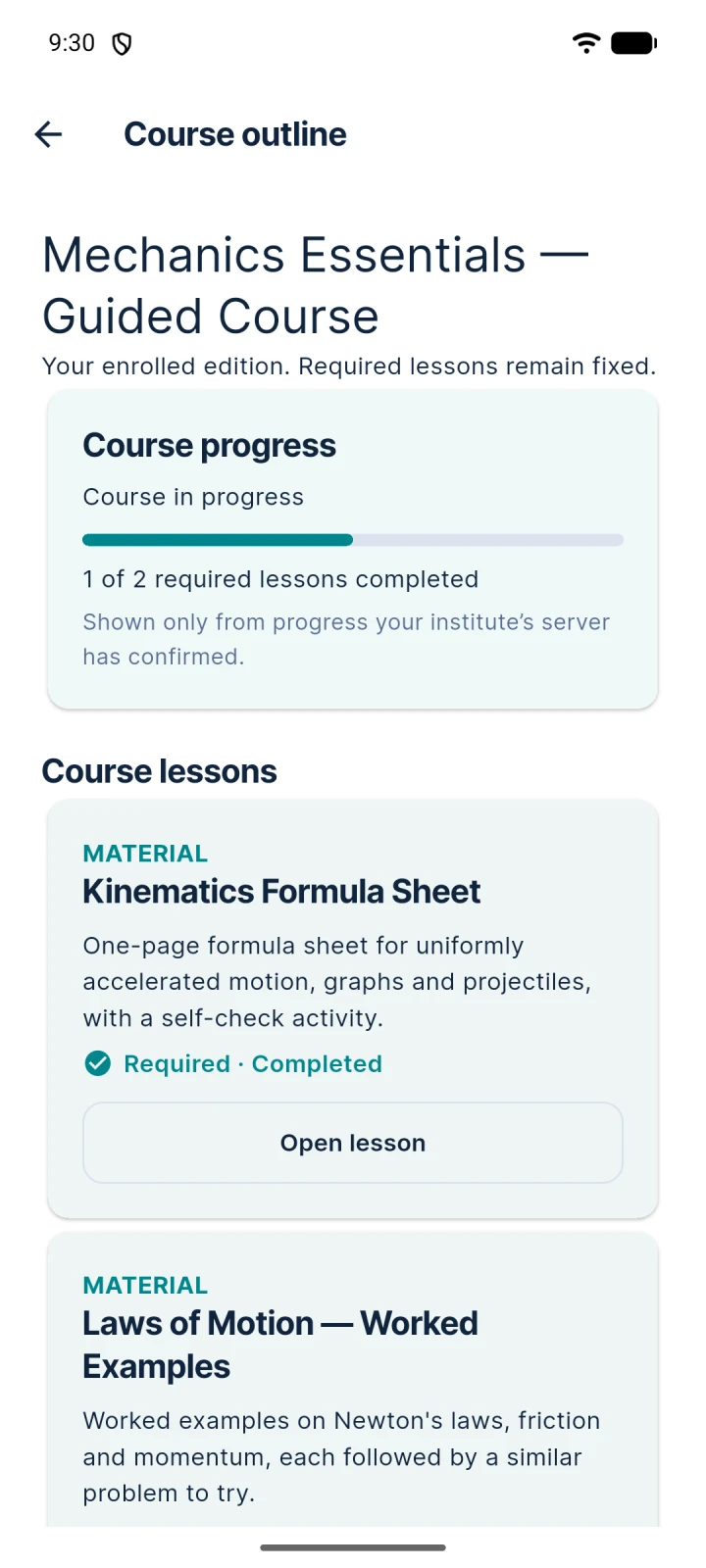
- Ordered courses with progress and resume
- Private PDFs in an in-page reader; self-hosted video or YouTube lessons
- Bookmarks and completion certificates; premium items unlock through your packages
AI MCQ practice (optional)
10- or 25-question practice sets from your own AI provider (OpenAI, Gemini or Claude configurations). Off by default, limited by package grants and kept out of rankings. The provider’s charges are separate, and generated questions can contain mistakes.
Institute Management & Communication Hub
Roles, batches, scoped teachers, classroom tools, inbox and e-mail
Roles and batches
Owner, admin, teacher and student roles; batches and enrolment; teachers see only their own streams and batches; audited account actions. Optional Google sign-in on the website with your own Google client.
Communication Hub
An in-app inbox on the web and in the app, optional e-mail through your SMTP server, batch audiences, scheduling, templates and a delivery record. Web notifications in the browser and in the app installed from your website: a short notice that names only your site. No push notifications in the Android or iPhone app, and no SMS or WhatsApp.
Classroom tools
Assignments, timetable, attendance and notices on the web.
Website, Payments & Orders
Your public website and CMS; Stripe, PayPal, Razorpay and offline payments
Website and CMS
Homepage slider and sections, blog, pages, FAQ, menus, versioned legal pages with consent, draft/published states and SEO metadata. Branding: logo, favicon, site name, two brand colours and footer text.
Payments and orders
Stripe (hosted Checkout), PayPal and Razorpay with your own accounts; offline payments (bank transfer, mobile or wallet payment, cash) with staff approval; packages, coupons, orders and refunds; verified webhooks.
Fonts and layout are fixed (no theme presets). Tax rules and in-app purchases are not included in the product.
Flutter Android & iOS App
The student app source, built under each customer’s name
Each installation also works as an installable app with nothing to build. The Flutter source is for when a customer wants its app in Google Play and the App Store too, published in its own developer accounts.
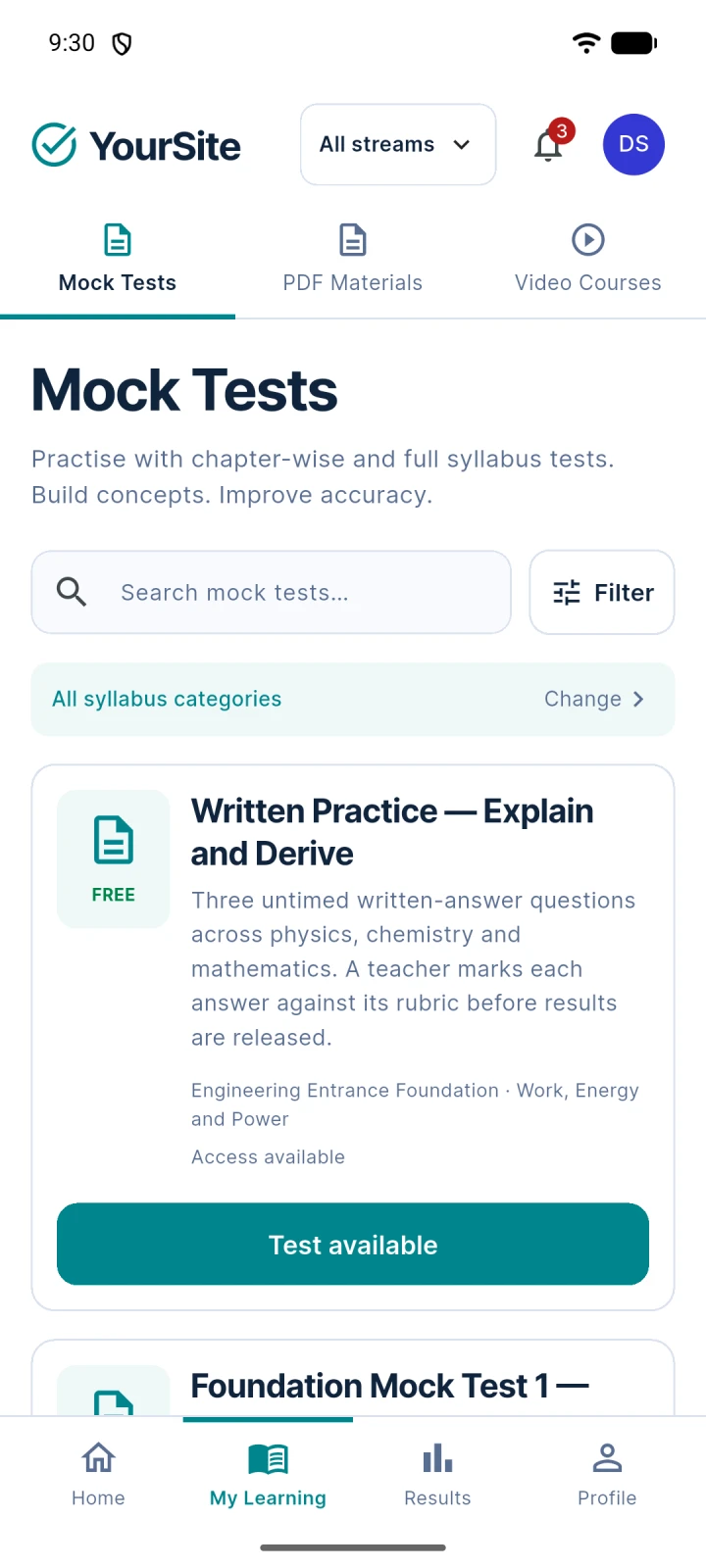
- Catalogue, sign-in, Mock Test attempts with recovery, and results
- Courses with PDF and video, AI practice and the Communication Hub inbox
- A read-only purchase history: purchases happen on the institute’s website
- A per-institute build profile: app name, application ID and API address
Android release builds have been verified on an emulator. The iOS project is in the source: OsDot builds and tests it on the iPhone simulator; building and signing it for a device or the App Store needs a Mac with Xcode and an Apple Developer account. No prebuilt app and no Google Play or App Store listing is included.
Installable app limits: on an iPhone or iPad it is added with Safari’s Share → Add to Home Screen only, and notifications need iOS or iPadOS 16.4 or later, in the app opened from the Home Screen. The app needs an internet connection (without one it shows an offline page; nothing is kept on the device) and HTTPS on each site. It is not listed in Google Play or the App Store.
White-Label & Reseller Rights
Rebranding each installation, the guides, and the full reseller terms
Name, logo, favicon, the two brand colours and the footer text are admin settings, so each installation can carry its customer’s brand without code changes. You may also rename and modify the source; the White-Label guide and the branding guide cover renaming the product and the app.
The reseller right lets you resell installations to your own customers on your own terms; the right itself is non-transferable. Installations need no licence key and do not contact a licence server. The full terms ship with the package (RESELLER-LICENSE.html); a written agreement for a specific purchase prevails where it says otherwise.
Updates & Support
Self-Service included; Priority Support optional
Self-Service, included
The packaged documentation, the normal software updates through the product download in your osdots.com account, and critical security and product-defect fixes as published by OsDot Solutions.
Priority Support, optional
Personal technical support as a separate yearly purchase. Your rights, your software and your normal updates continue without it.
Hosting & System Requirements
Shared hosting, cloud hosting or a VPS; PHP 8.3/8.4; MySQL or MariaDB
Academy & Exam OS works on compatible shared hosting, cloud hosting, and VPS hosting. A VPS is not required. Your server must meet the listed PHP, database, HTTPS, URL-rewriting, database-privilege, and cron requirements. The built-in installer checks compatibility before installation.
- PHP 8.3 or PHP 8.4 with the required extensions, including sodium
- MySQL 8.0 or newer, or MariaDB 10.11, 11.4 or 11.8 (certified versions)
- A database user with the required privileges, including TRIGGER
- HTTPS and .htaccess / URL rewriting
- The ability to run an every-minute cron job
Optional Professional Services
Installation, Android and iOS app deployment, custom work on quote
The installable app is included in every installation. Android App Deployment ($97, one-time) and iOS App Deployment ($147, one-time) are for when you also want the app in Google Play and the App Store, published in your own developer accounts.
Add them under Custom Services — Optional, above the Add to cart button. Each shows its scope and exclusions next to it.
Installation
We install the web application on your supported hosting. Hosting, domain, SSL and customisation are not included.
Android App Deployment
We prepare the Android build for your brand and environment and assist with Google Play publishing. Store fees and approval are outside our control.
iOS App Deployment
We prepare the iOS build for your brand and environment and assist with App Store publishing. Store fees and approval are outside our control.
Need custom features, integrations or a bespoke design? Choose your licence, then use Request Advanced Customization Quote next to Add to cart, or contact OsDot Solutions.
What’s Not Included
Hosting, store accounts, provider charges, question content, custom work
- Hosting, domains and certificates; server administration for you or your customers.
- App-store developer accounts and their fees; a prebuilt app or store listing.
- AI, payment and e-mail provider accounts and their charges.
- An exam question library: each institute adds its own questions (the installer’s demo data is sample content that can be removed).
- Push notifications in the Android or iPhone app, SMS or WhatsApp messaging, tax rules and in-app purchases.
- Custom development, which is quoted separately.
Frequently Asked Questions
Licence server, the app, hosting, AI costs, updates
Does the Reseller / White-Label edition contact a licence server?
No. It contains no licence-activation code and no licence key, and does not contact a licence server.
Is it a hosted service?
No. Each installation serves one institute on hosting chosen for it. It is not a hosted service and not multi-tenant.
Is the Flutter app licensed separately?
No. The Flutter app source is included; there is no separate app licence or add-on. The app needs an Academy & Exam OS installation to work.
Does AI practice cost extra?
The product includes no AI credits. Each institute connects its own OpenAI, Gemini or Claude account, and the provider bills directly. AI practice is off by default.
How are updates installed?
Normal software updates are made available through the product download in your osdots.com account; they do not depend on Priority Support. Each later update ships its own step-by-step notes.
Version History
Current Version: 1.2.0
Version 1.2.0
- Install App: your students, your teachers and you add your website to a phone, a PC or a Mac as an app; the staff panel installs as its own app.
- Web notifications: a short notice that names only your site, turned on per browser (on an iPhone or iPad from iOS 16.4, in the app on the Home Screen); staff can send a test.
- The app showcase reads "Use your site name as an app", with neutral "coming soon" chips until you add a real store listing; it can be switched off.
- Three new website settings: the Install App entries, the showcase switch and the app's address.
- Updating: replace the files, then run bin/cake.php upgrade apply once.
- The iPhone app source: OsDot builds and tests it on the iPhone simulator (iOS target 15.0, Flutter 3.44.9).
- Hosted Plan sites are updated by OsDot.
Version 1.1.0
- PayPal checkout: students can now pay with PayPal alongside Stripe and Razorpay. Payments are confirmed by your server with PayPal, refunds work from the order page, and PayPal notifications are verified before they change anything.
- Currency-aware checkout: each package offers only the payment methods that accept its currency, and the payment settings warn when an enabled method cannot take a currency you use.
- Stripe: the connection test also checks which currencies your Stripe account supports and warns about any you use that it does not list.
- New installations start with USD and international wording; existing settings are never changed by the update.
- Mobile app source: order details show the payment provider by name (for example, "PayPal").
- Fixes: singular titles on add and edit pages, page headings that match their menu items, clearer Communication Hub, AI drafts and homepage-slider labels, and a product-neutral package label in the White-Label edition.
- Hosted Plan sites are updated by OsDot.
Version 1.0.2
- Communication Hub: View / review opens a delivery outcome again, so staff can record an internal review note.
- Website: the homepage hides the hero, blog and FAQ sections until their first item is published.
- Batches: teachers see batch members read-only; labels now match the menus (Batches & Enrollment, PDF Courses & Materials).
- Installer and documentation: correct staff menu paths, the runnable php bin/cake.php commands, and backups that include uploaded website images.
Version 1.0.1
- Fixed published Mock Tests becoming Draft when their details were edited.
- Fixed the result-release action being shown to staff without the required release permission.
- Clarified that accommodations and leaderboard capabilities are API-only.
Version 1.0.0
- Initial commercial release of Academy & Exam OS.
- PHP web application source included.
- Flutter mobile app source included.
- Single Site, Multi Site and Reseller / White-Label editions introduced.
| License | Reseller / White-Label |
|---|---|
| Software Type | Educational Software |
| Source | PHP Web + Flutter App Source Included |
| Technology | CakePHP, Flutter, MySQL, PHP, REST API |
| Platform | Android, iOS, Web |
| Deployment | Self-hosted |
| PHP Version | PHP 8.3, PHP 8.4 |
| Database | MariaDB 10.11, MariaDB 11.4, MariaDB 11.8, MySQL 8.0 or newer |
| Pricing Model | One-time purchase |
| Current Version | 1.2.0 |
Related products

Reviews
There are no reviews yet.