
How to build the mobile app for Android and iOS
The folder Flutter-App-Source/ holds the source of the Handyman Booking OS by OsDot™ app for Android and iOS. The app talks to your own installed site. The iOS app is built from the same source: OsDot builds and tests it on the iPhone simulator; you build and publish your own iOS app in Xcode, or let us do it (iOS Build & Deployment).
Video tutorial #
Watch Building the app on YouTube
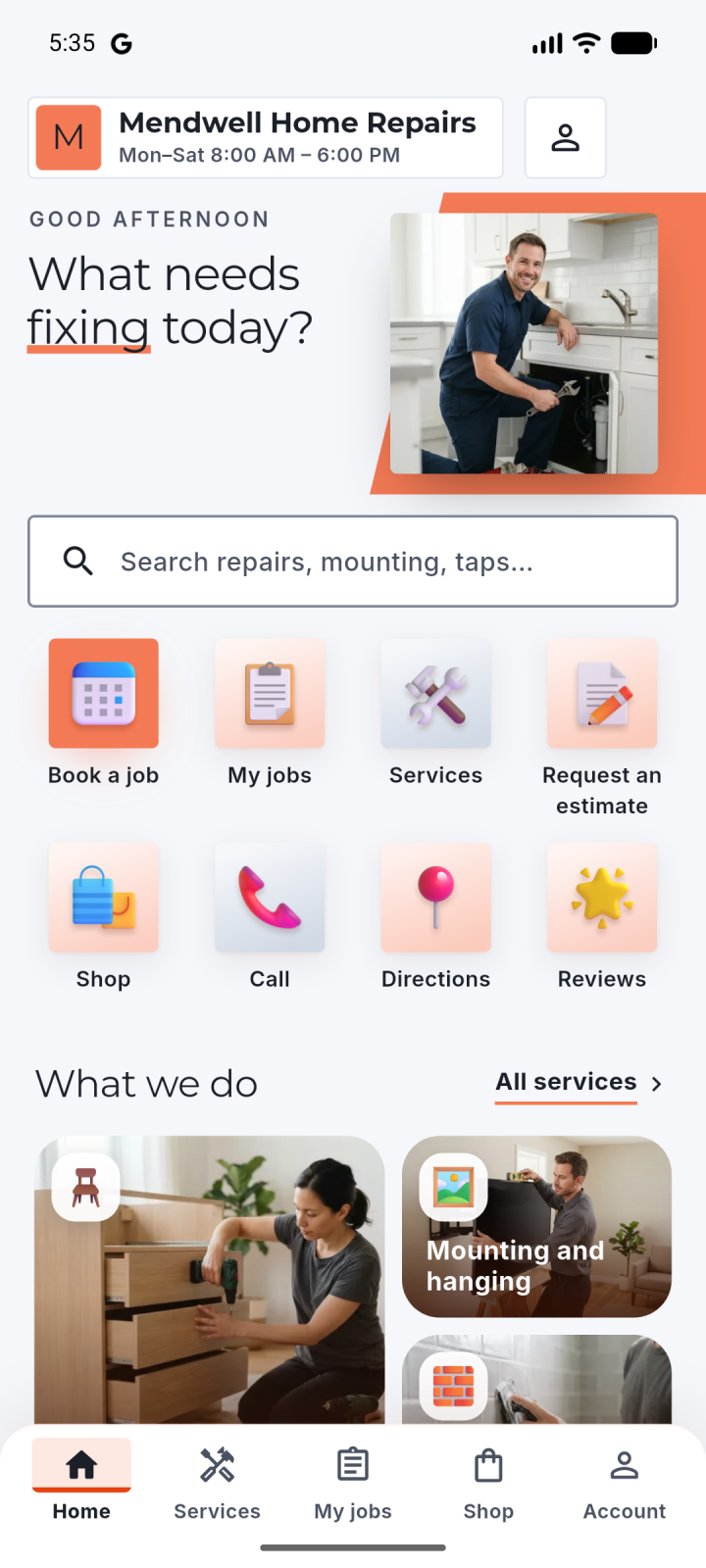
Build it #
- Install Flutter 3.47.7 and run
flutter pub getinFlutter-App-Source/. - Copy
config/production.example.jsontoconfig/production.local.jsonand fill in your site's values (API_BASE_URLon your own HTTPS domain,SITE_NAME,ANDROID_APPLICATION_ID, …).ANDROID_APPLICATION_IDis your own app's ID (for examplecom.yourbusiness.app), nevercom.osdots.handyman.DEPLOYMENT_IDis your site's Installation identifier: the installer shows it on its last page, System → About this software shows it as Installation ID, and it stays inWeb/config/installed.php(installation_id) on your server. - Check the profile:
dart run bin/validate_profile.dart --platform android config/production.local.json. - Android: create your own upload keystore and a private
android/key.propertiesnaming it (storeFile,storePassword,keyAlias,keyPassword). Never commit either file. - Build:
flutter build appbundle --release --dart-define-from-file=config/production.local.json. The release build checks the profile again and refuses a development profile. - iOS (on a Mac):
flutter build ipa --dart-define-from-file=config/production.local.json; the build first checks the profile withbin/validate_profile.dart --platform ios.
Register the app on your site #
Your site answers only the apps it knows. Once, on your server, in the site's folder (where bin/cake.php is), run:
php bin/cake.php auth client add --id app.android --platform android
It registers the Android app (app.android) and the iPhone app (app.ios) together; php bin/cake.php auth client list shows them. Until then the app's first sign-in answers "This app is not registered for this site". Where your host needs the PHP program's full path, use it in place of php (see the server requirements).
Your own app icon #
The source carries the app's own neutral icon (a house with a wrench, no brand). Replace it with your own before you publish your app:
- Android:
android/app/src/main/res/— themipmap-*/ic_launcher.pngfiles (48, 72, 96, 144 and 192 px), the adaptive icon's layersmipmap-*/ic_launcher_foreground.pngandmipmap-*/ic_launcher_monochrome.png(108 dp: 108 to 432 px, your mark inside the middle 66 dp circle, the rest transparent), and its background colour invalues/ic_launcher_background.xml. Android Studio's Image Asset tool (right-clickres→ New → Image Asset) writes the whole set from one picture. - iOS:
ios/Runner/Assets.xcassets/AppIcon.appiconset/— square, opaque PNG files at the sizes itsContents.jsonnames (1024 × 1024 for the App Store); or drop one 1024 px picture into the AppIcon set in Xcode. - The launch screens: Android's
res/drawable/launch_background.xml, iOS'sLaunchImageset (its ownREADME.mdsays how).
Use the same names and sizes, then build again.
The rest of the documentation is in Documentation/index.html.